How to Play WoW in a Browser
Pick a route before you click download. Route one is Blizzard's own client from the Battle.net app. Route two is a browser project that is not that client. Route three is a cloud service that streams the official client into a tab. Mixing the passwords across those routes is the mistake this page is here to stop.
| Official download | Battle.net desktop app |
|---|---|
| Free trial | Modern WoW, levels 1–20 |
| Browser realms | Keldurn, Last Havens, arena projects, Azeroth Survivors |
| Cloud | GeForce NOW in a browser, plus Boosteroid and Shadow |
Route 1 — official client
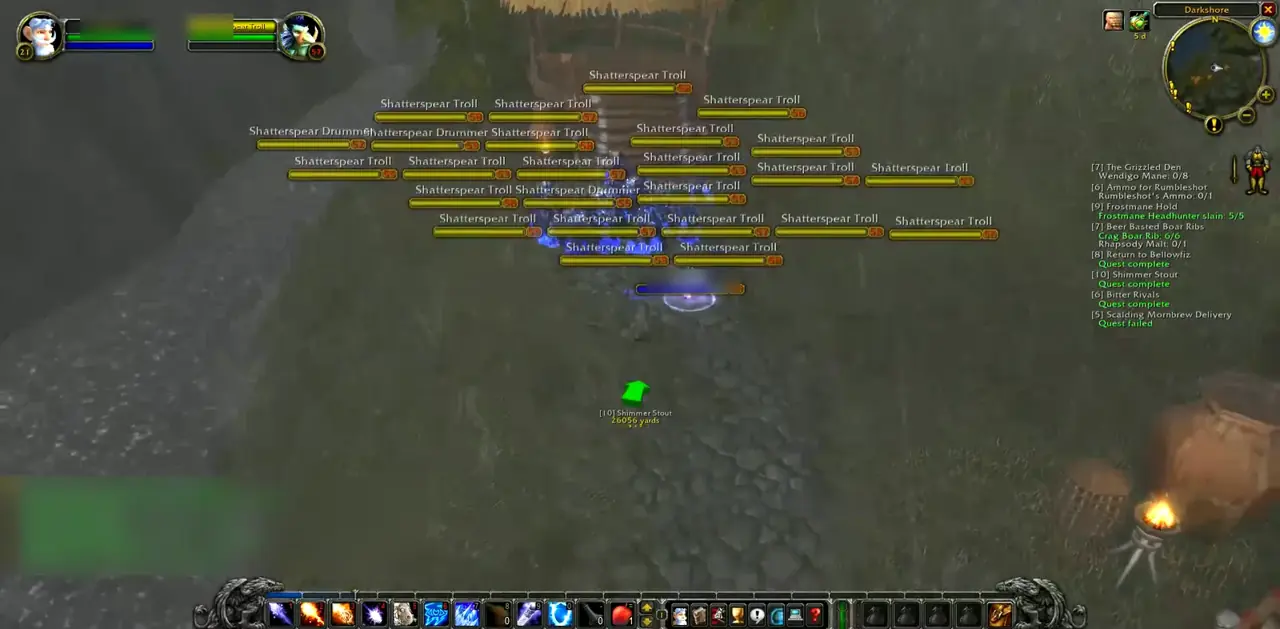
Go to the Battle.net download and install the desktop app. Sign in with a Blizzard account. From the app, install World of Warcraft. The Free Trial covers modern WoW through level 20 and does not include Classic. System requirements on the support article start at Windows 10 64-bit or macOS 12, with an SSD and about 128 GB free. There is no browser build on the product page.
WoW: Forever, scheduled for 2026-11-04, uses this same app. It is included with an active subscription. It does not replace the steps above with a website.
Route 2 — a project that runs in the tab
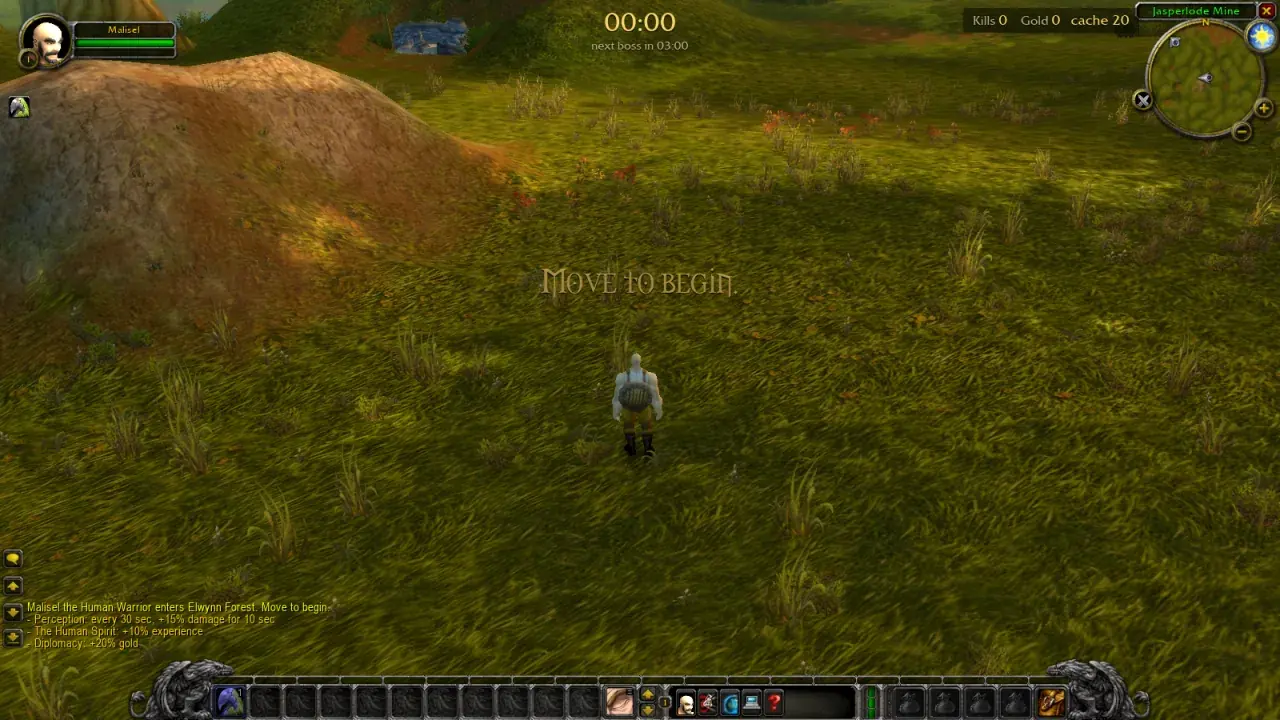
For a vanilla realm, open Keldurn and create an email or Google login on that site. For Wrath, open Last Havens and use the account it creates on the login screen. For a short arena, open Arena of Champions or WebWoW as a guest. For a solo survivors run, open Azeroth Survivors and wait for the first cache. None of these accept a Battle.net password.
Keldurn and WebWoW send a frame policy that blocks embedding, and the other two limit frames to their own host. This page links out. If the tab stays black, follow the troubleshooting guide before you install a random APK.
Route 3 — stream the official game
NVIDIA's how-to-play page says GeForce NOW works as an app or in the browser. You still own or subscribe to WoW, and you still sign into Battle.net inside the stream. Membership prices on NVIDIA's page are a free tier, US $9.99, and US $19.99. A partner guide cites about 15 Mbps. Boosteroid also runs Battle.net games. Shadow gives you a Windows desktop in the browser, with UK prices of £32.99 or £49.99 a month on the page checked here.
Questions people ask
| Can I play WoW with no download? | The official game still downloads through Battle.net, unless a cloud service streams that install. Browser projects such as Keldurn and Azeroth Survivors skip the Battle.net installer. |
|---|---|
| What is the free way? | The official Free Trial, or a browser project that charges nothing. Classic is not in the trial. |
| Which route works on a Chromebook? | A browser realm, or a cloud stream. See the Chromebook guide for the split. |
| Where is the APK? | This site does not host one. The APK page explains why the Android results are a different product. |
Related guides
Sources
- Battle.net desktop download — checked 2026-11-04
- WoW Free Trial — checked 2026-11-04
- System requirements — checked 2026-11-04
- GeForce NOW how to play — checked 2026-11-04
- GeForce NOW memberships — checked 2026-11-04
- Keldurn — checked 2026-11-04
How we check: two independent public sources, or we label a single project report. Editorial policy.
Last updated: 2026-11-04.