WoW Browser Not Working
Match the words on the screen before you change settings. Azeroth Survivors says the world needs WebGPU. A missing adapter points at the laptop's weaker GPU. A long black canvas can mean assets are still arriving, an incompatible adapter or another loading problem. The project also displays a too-many-players message. A stuttering cloud stream calls for a network check as well as a look at the service status.
| WebGPU browsers | Chrome/Edge 113+, Safari 26+ |
|---|---|
| Cold cache | Current size unspecified; an old guide reported about 140 MB |
| Cloud bitrate | About 15 Mbps cited for 720p |
| Checked | 2026-11-04 |
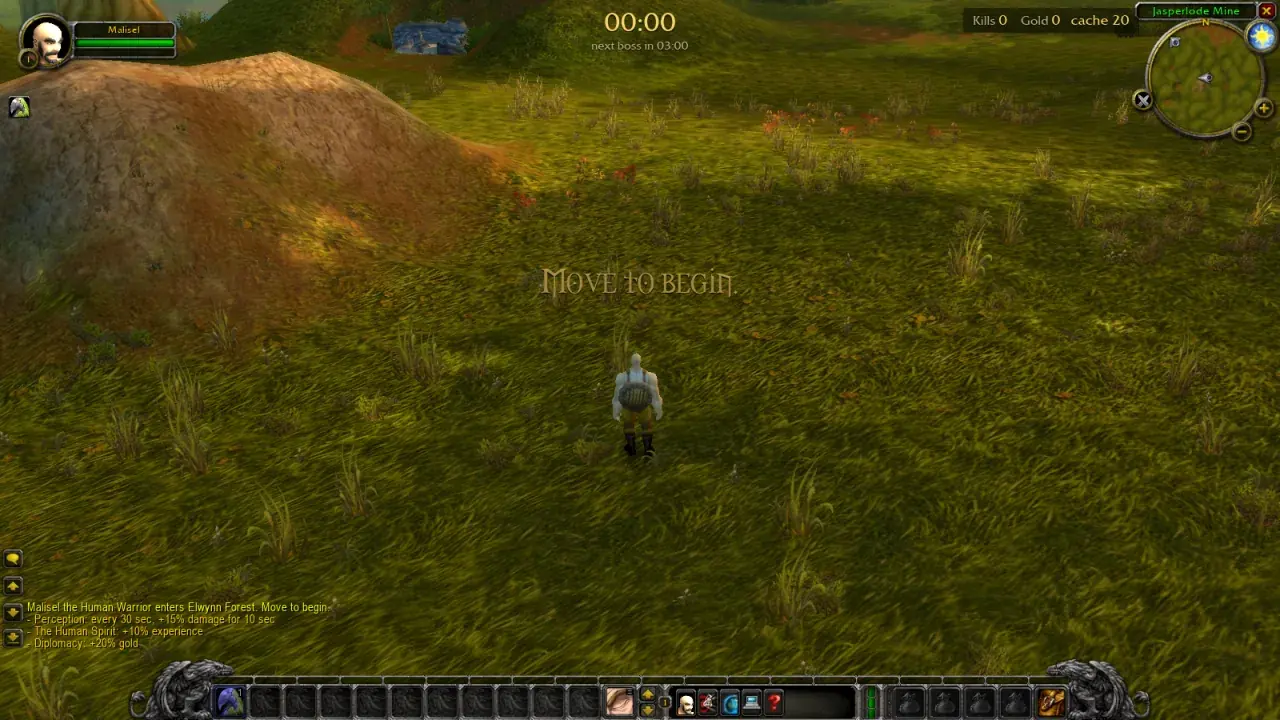
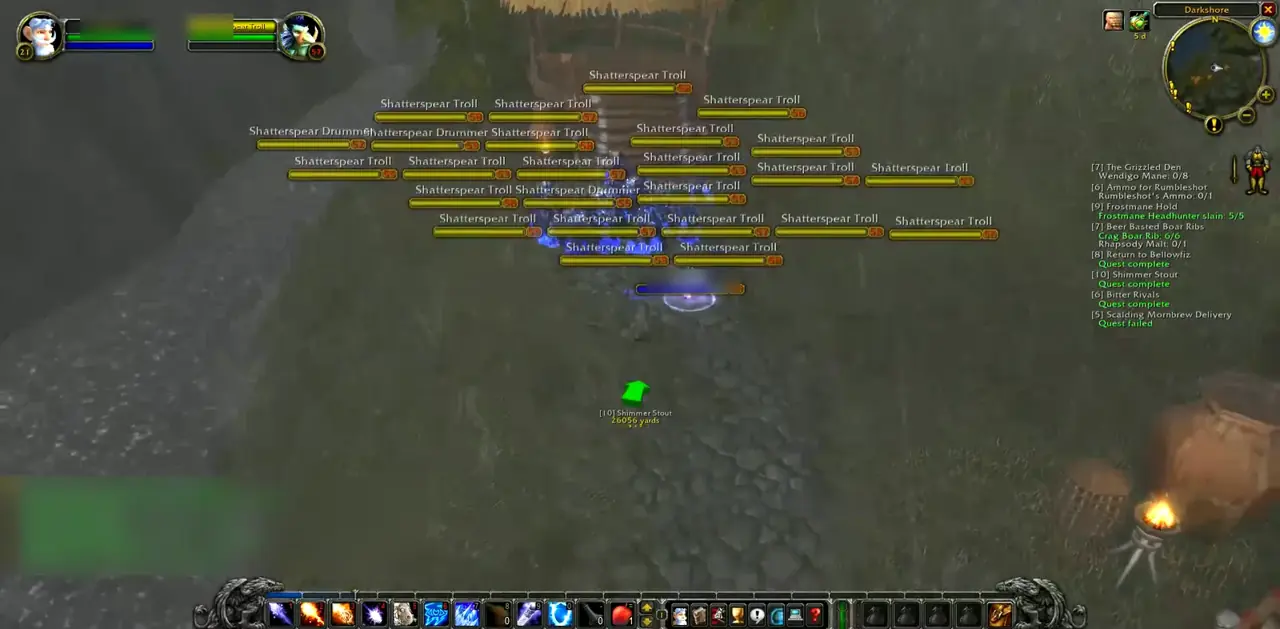
Read the message
If the page says the browser has no WebGPU, update Chrome or Edge to 113 or newer, or use Safari 26. Linux Chrome may need the WebGPU flag. Firefox still hides the feature behind a preference. That message belongs to Azeroth Survivors. Keldurn and Last Havens ask for a current browser with hardware acceleration, not WebGPU.
If WebGPU is present and the page says there is no adapter, the guide tells you to set the browser to high performance in Windows graphics settings, restart, and look at the browser's GPU page. I do not name your laptop's chip from a screenshot.
Black canvas, quota, and in-app browsers
A canvas that never draws can mean the world data is still streaming. An old v0.90.0 guide measured about 140 MB, which is not a size promise for the current build. The guide says to wait on the loading screen. Adapter or driver incompatibility can produce a similar symptom. The project displays too many people are playing; community write-ups attribute this to a daily host quota, while the project page itself gives no quota number. Waiting, reloading, or using the project's Windows build is what the guide and a 2026-10-30 write-up both describe.
Discord and Instagram browsers are called out by the Last Havens device notes: open the link in Chrome, Edge, Firefox, or Safari itself. Slow frames on a realm page line up with hardware acceleration being off, an old GPU, or too many tabs. For GeForce NOW, a partner guide cites about 15 Mbps for 720p60 and 25 Mbps for 1080p60. The free tier also queues. The retail client failing to launch is a Battle.net repair, not a browser setting.
Questions people ask
| Why is Azeroth Survivors a black screen? | The project requires WebGPU, a finished first download, and a working GPU adapter. Read the exact sentence on the page. |
|---|---|
| What does too many people are playing mean? | The project shows a capacity message. Two community write-ups describe a host quota; the project links its Windows build as an alternative. |
| Why does GeForce NOW stutter in the browser? | The stream needs bandwidth and a short path to the server. 15 Mbps is the figure cited for 720p60. The free tier can queue. |
| Keldurn is slow. Is that WebGPU? | Keldurn's page points at hardware acceleration and a current browser, not WebGPU. |
Related guides
Sources
- Azeroth Survivors guide — checked 2026-11-04
- WebGPU black screen write-up — checked 2026-11-04
- Can I use WebGPU — checked 2026-11-04
- Last Havens iPhone guide — checked 2026-11-04
- GeForce NOW browser requirements — checked 2026-11-04
- Keldurn — checked 2026-11-04
How we check: two independent public sources, or we label a single project report. Editorial policy.
Last updated: 2026-11-04.